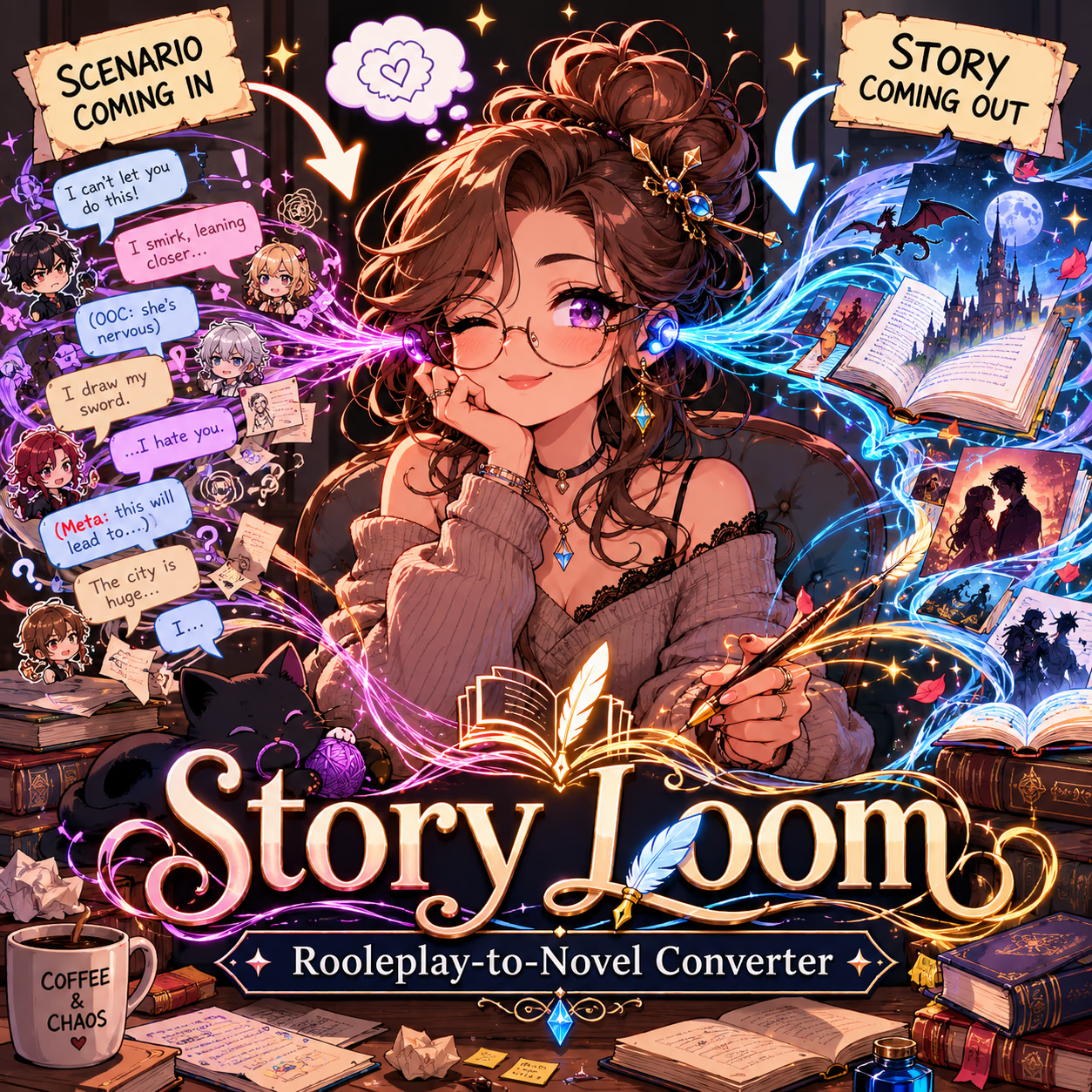
Story Loom — Roleplay-to-Novel Converter
Story Loom — Roleplay-to-Novel Converter
📖 Story Loom — Roleplay-to-Novel Converter
Story Loom is a content-agnostic story-weaving engine that transforms fragmented character-turn roleplay into unified, publishable prose. Feed it the choppy output of any scenario—multiple character voices, first-person protagonist turns, disjointed scene beats—and receive back a single cohesive narrative that reads like a novel, not a chat log.
What It Does- Merges multi-voice character turns into seamless story prose
- Converts first-person protagonist content into third-person close perspective
- Filters out meta-directive commentary (narrative instructions disguised as character thoughts)
- Transforms exposition into shown experience (show-don't-tell enforcement)
- Elevates vague descriptions into specific, lore-accurate worldbuilding
- Applies editorial discretion: rewrites when needed, preserves when it serves the story
Step 1: Configure the Engine
- Copy the SETTING section from the scenario you want to convert
- Paste it into Story Loom's
<SETTING>block (replace the template) - Copy the STYLE section from the scenario you want to convert
- Paste it into Story Loom's
<STYLE>block (keep the<weaving_directive>block—it's universal)
Step 2: Import Characters & Locations
- Add all characters from the original scenario into Story Loom's character slots
- Add the {{user}} character as a named character (the protagonist the engine references for first-to-third person conversion if required)
- Import any locations/objects from the original scenario
Step 3: Feed It Content
- Copy up to 2500 tokens of character interaction at a time
- Paste into your message with an instruction like: "Unify this section into a whole"
- The engine will transform the fragmented turns into cohesive prose
Step 4: Iterate
- Continue feeding sections of 2500 tokens or less
- The engine maintains narrative flow across sections
- Add steering instructions if needed: "Prioritize [Character]'s perspective" or "Emphasize the tension in this scene"
- Smaller chunks (1500-2000 tokens) often produce better results than pushing the limit
- If a scene feels rushed, try feeding it again with: "Slow this down, add more sensory detail"
- The engine will preserve dialogue meaning but may rewrite surrounding prose for cohesion—this is intentional
- Meta-directive content (characters announcing what "will" happen) is automatically filtered—trust the process